From live Excalidraw sketches to a class companion with Claude Code
I usually sketch live on an Excalidraw whiteboard for my courses and, for this course I taught yesterday I took those live sketches and asked Claude Code to turn them into something more digestible (lot of them were rough...) for students to actually follow (before/after below).
The sketches had all the ideas, but they were sort of a brain dump: arrows everywhere, half sentences, and a slide 9 that was basically slide 8 again lol.
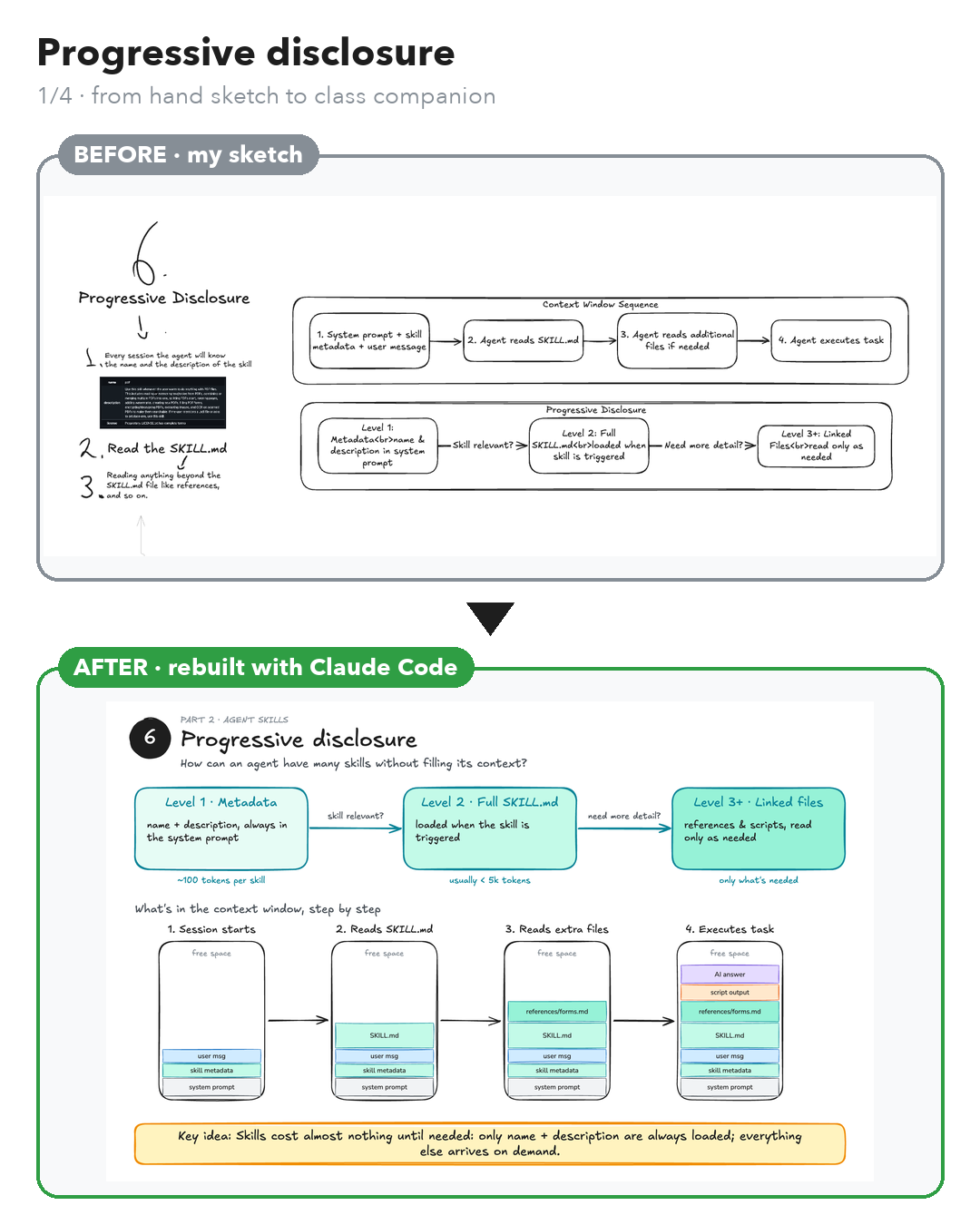
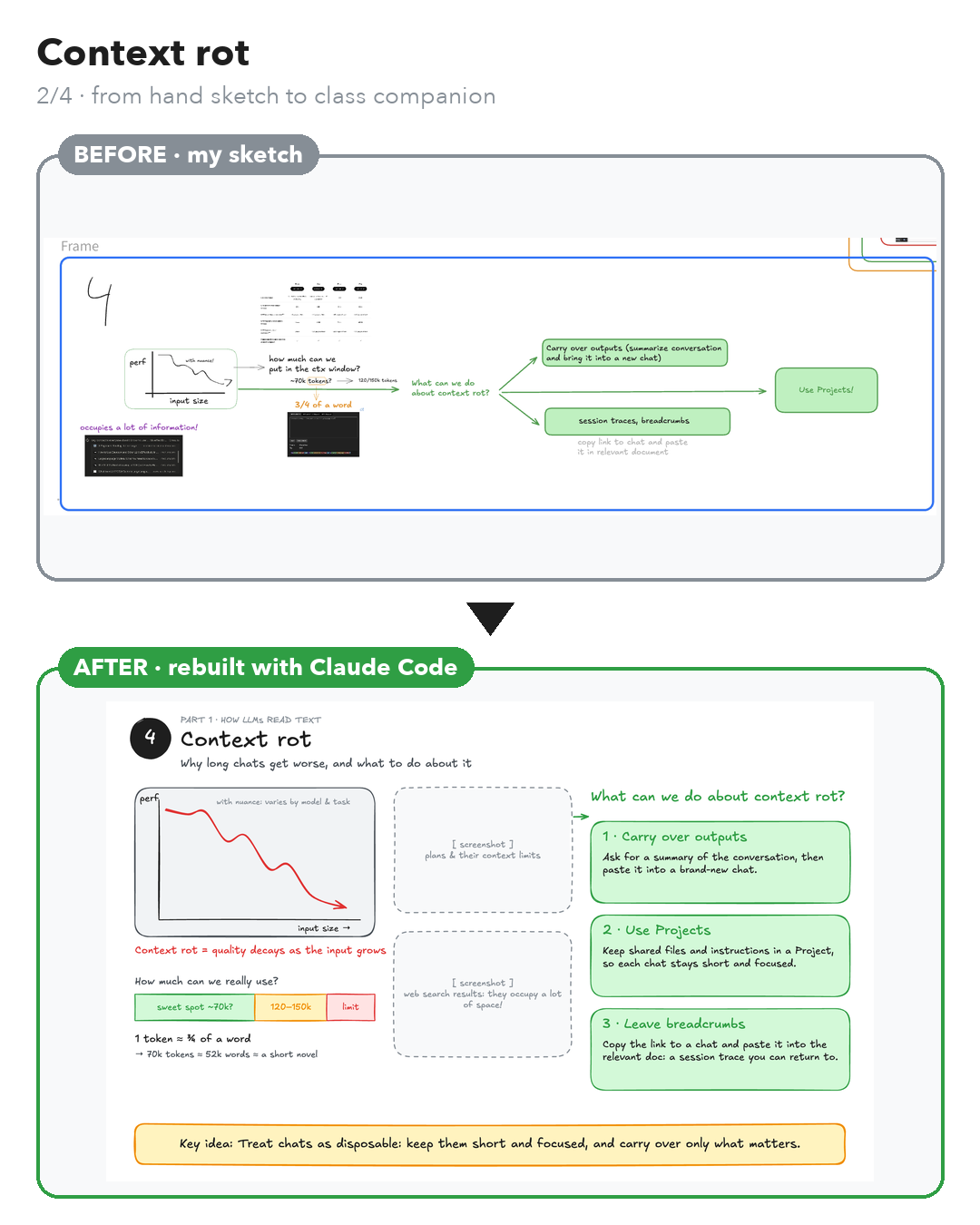
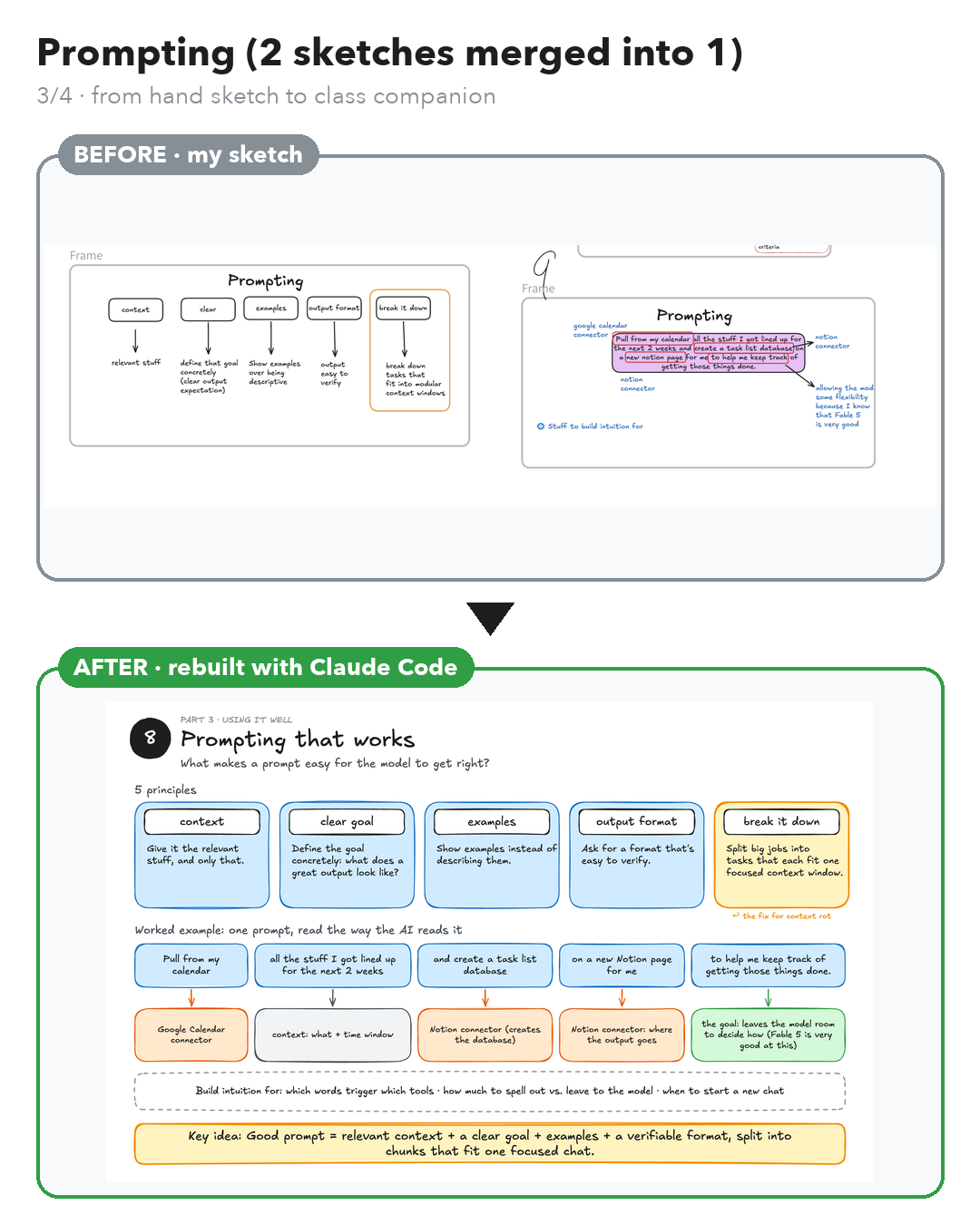
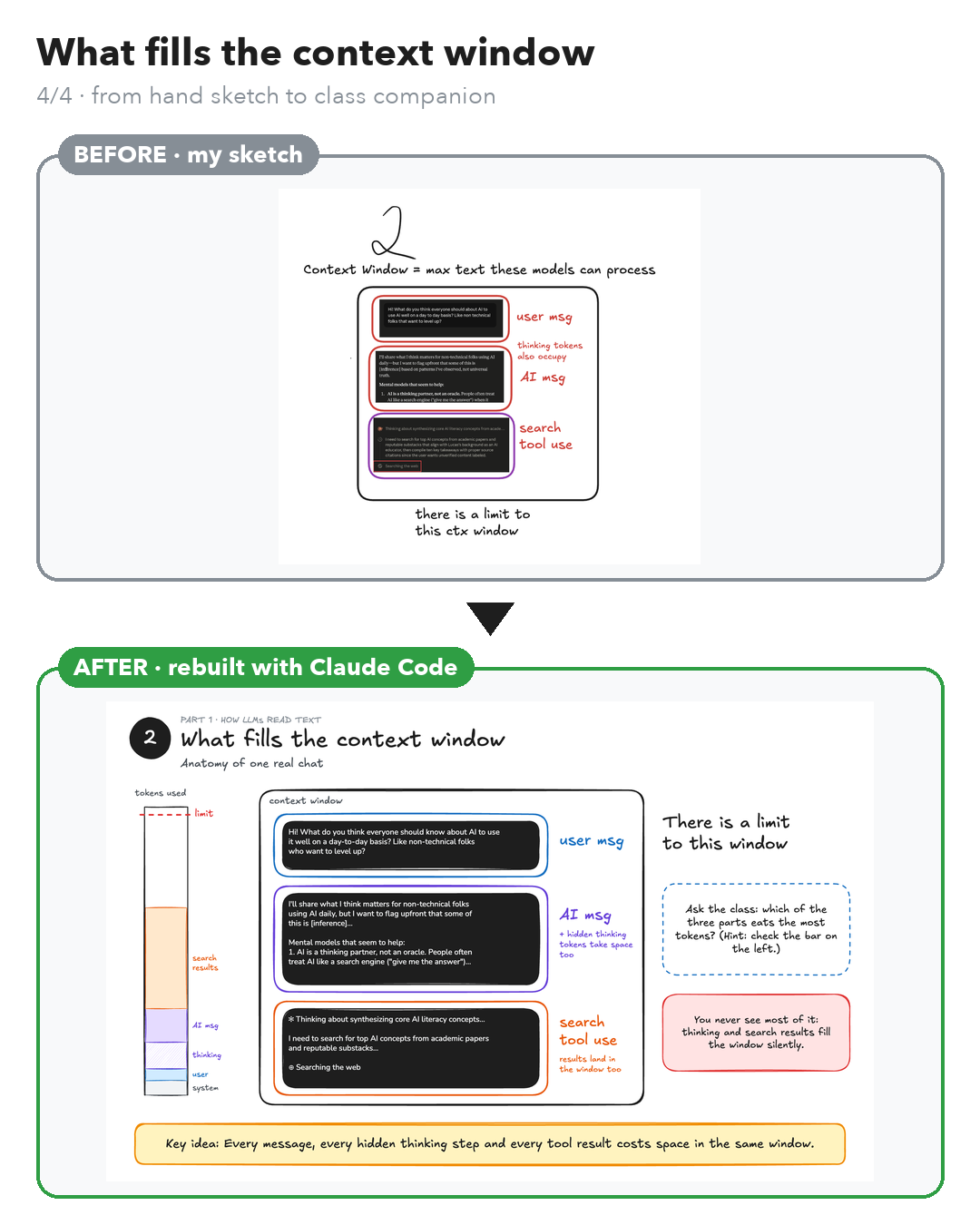
Here's the setup for this workflow:
📸 Input
Screenshots of each sketch dropped into Claude Code, each labeled with its slide number. No spec beyond "make it a perfect class companion".
🧱 Build
Claude Code wrote a small Python script that generates the .excalidraw JSON directly: one frame per slide, 442 elements total. I had the Excalidraw MCP server connected too, but for a board this size a script was the more reliable path (and I can regenerate the whole board after editing one line).
🔍 Check
It spun up a local Excalidraw viewer and used Claude in Chrome to screenshot every frame and hunt for its own mistakes. It found clipped text and a context-window diagram overflowing its box, and fixed both before showing me anything.
🖥️ Ship
Then I told it to stop asking me to do things it can do itself (fair lol). Claude in Chrome opened my actual Excalidraw+ board and pasted the new frames right below my original sketches. The originals stayed untouched.
What changed for the students:
- every slide opens with the question it answers and closes with a one-line "key idea"
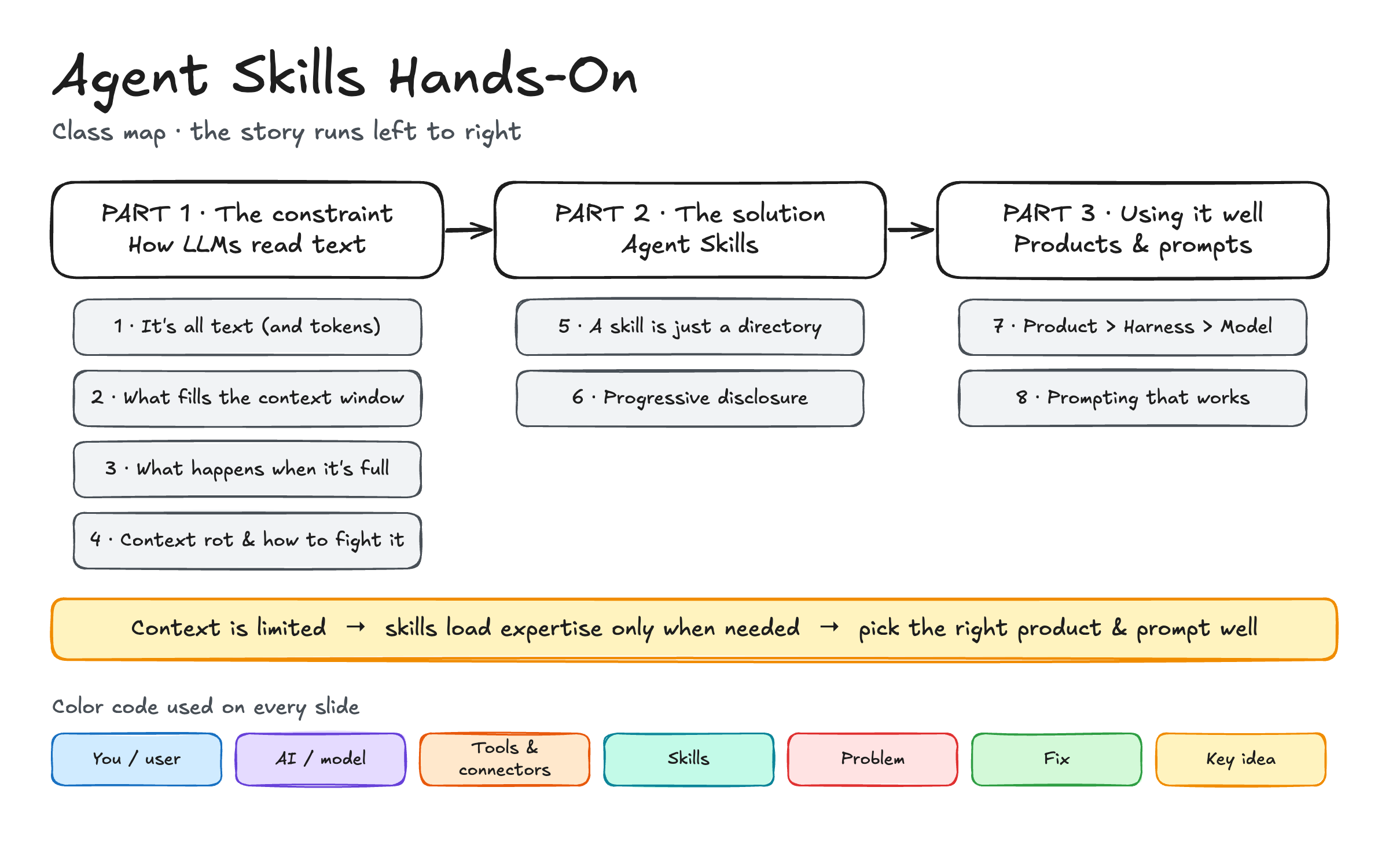
- ONE color code across the whole board (blue = you, violet = the model, orange = tools, teal = skills, red = problem, green = fix)
- a class map that shows the arc: context is limited → skills load expertise only when needed → pick the right product and prompt well
- my two prompting sketches merged into one slide with a worked example
It also caught an (alleged) math error in my sketch. I had 1M tokens ≈ 666 pages. The real number is closer to ~1,500 pages at ~500 words per page (to be honest my reasoning was thinking about 1500tokens per page so....not exactly an error...).
Takeaway is pretty simple: deciding what to teach and in what order is still the hard part, and that part stays mine. I usually skip the consistency pass. The agent did it in one session.
Cheers! B)